
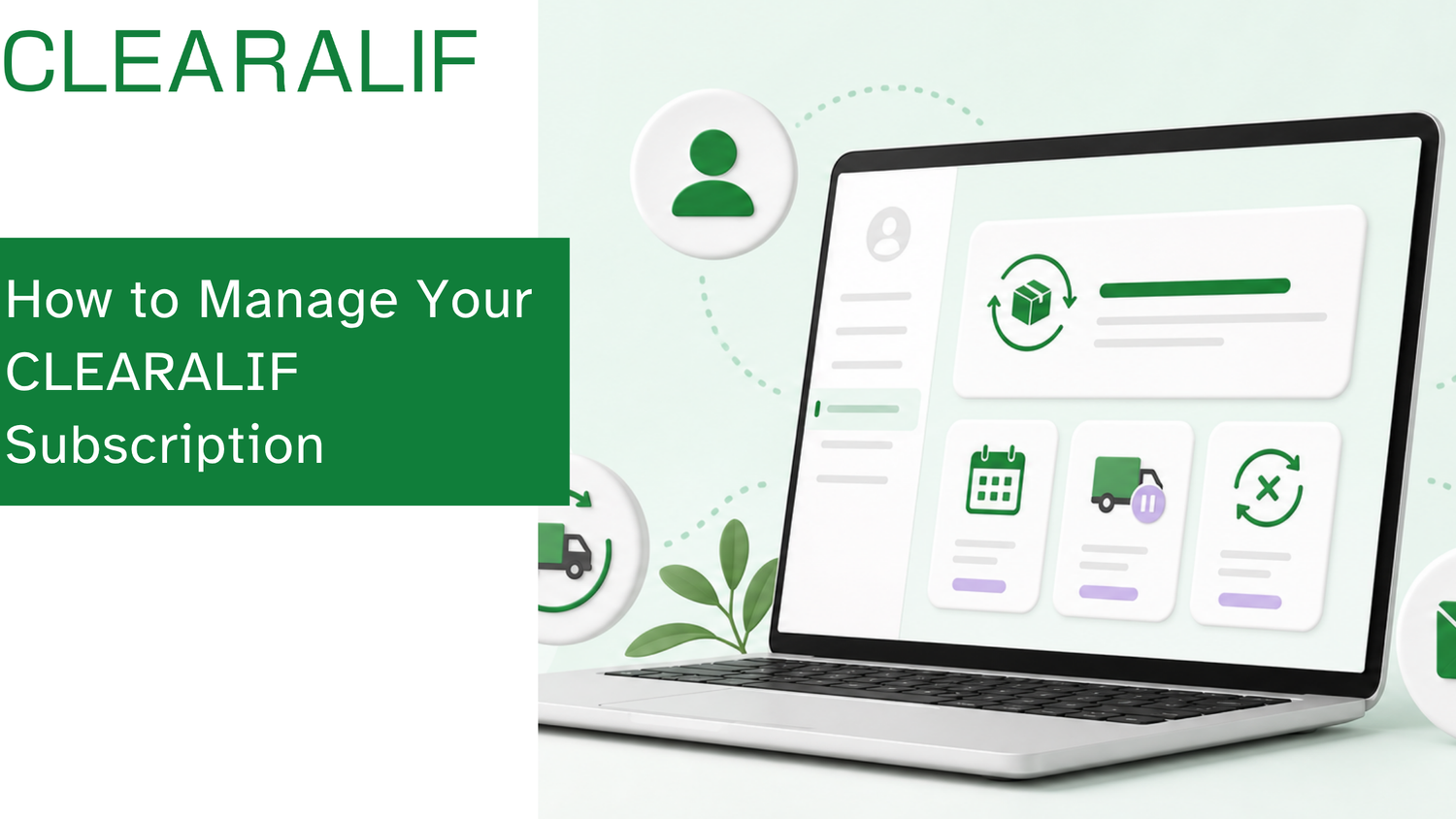
Quick answer: Sign in to your CLEARALIF account with the email address used for your subscription, then select My subscription to view the management options available for your plan.
You can manage your CLEARALIF subscription online through your customer account. Most changes — viewing upcoming orders, skipping an order, adjusting delivery frequency, or canceling — can be completed in about 5 minutes by following the steps below. If you run into any issues along the way, email us at hello@clearalif.com. Our team normally replies within 24 hours.
Before you begin, make sure you use the same email address you used when placing your subscription order.
Step 1: Open your CLEARALIF account
Visit clearalif.com and select the account icon in the upper-right corner of the website.

Step 2: Enter your email address
On the Sign in page, enter the email address connected to your CLEARALIF subscription and select the arrow button to continue.
If you use a different email address, your subscription may not appear in your account.

Step 3: Wait for your verification code
After submitting your email address, you'll see the Enter code page. CLEARALIF will send a six-digit verification code to your email inbox. Keep this page open while you check your email.

Step 4: Find the CLEARALIF email
Open your email inbox and look for a message from CLEARALIF with a subject line ending in "is your code."
If the message doesn't appear after a few minutes, check your spam, junk, promotions, or other filtered folders.

Step 5: Copy the six-digit code
Open the email and copy the six-digit verification code. Each code can only be used once and expires after 15 minutes. For your security, do not share your verification code with anyone.
If the code expires, return to the sign-in page and request a new one.

Step 6: Sign in to your account
Return to the Enter code page and enter the six-digit code. After the code is verified, you'll be signed in to your CLEARALIF customer account. Your account menu may include:
- Orders
- Profile
- My subscription

Step 7: Select "My Subscription"
Select My subscription from the account menu. If you have an active subscription, you'll see the management options available for your plan. Depending on your subscription, you may be able to:
- Review upcoming subscription orders
- Skip an upcoming order
- Change your delivery frequency
- Update subscription details
- Cancel your subscription
If the page displays "No subscriptions found," confirm that you signed in with the same email address used for your subscription order.

Still need help?
Email us at hello@clearalif.com
Please contact us from the email address associated with your subscription whenever possible. You can also include your full name, order number, and a short description of the change you'd like to make — this helps us locate your subscription more quickly.
After confirming your account, our team can send you a secure subscription-management link. Select the Manage Subscription button in that email to access your subscription options directly.
Our team normally replies within 24 hours. We appreciate your patience while we review your request. To help us respond as efficiently as possible, please avoid sending multiple emails about the same request. For your security, please do not send payment card information or share a verification code by email.

Troubleshooting
I didn't receive a verification code
Wait a few minutes, then check your spam, junk, promotions, and other filtered folders. Confirm that you entered the correct email address. If needed, return to the sign-in page and request a new code.
My verification code doesn't work
Verification codes are single-use and expire after 15 minutes. Request a new code from the sign-in page and enter the most recent code you received.
My account says "No subscriptions found"
You may have signed in with a different email address. Sign out and try again using the email address connected to your subscription order. If you still can't find your subscription, contact hello@clearalif.com.
I can't access my account at all
Email hello@clearalif.com. After verifying your account, our team can send you a secure link that allows you to access your subscription-management options directly.
Frequently asked questions
Where can I find my subscription settings?
Sign in to your CLEARALIF account using the email address associated with your subscription, then select My subscription from the account menu.
What should I do if my account says "No subscriptions found"?
Sign out and try again using the same email address connected to your subscription order. If the subscription still doesn't appear, email hello@clearalif.com.
Can customer service send me a direct subscription-management link?
Yes. After confirming your account, our customer service team can email you a secure link to access your subscription-management options.
How long does customer service normally take to reply?
Our team normally replies within 24 hours. We appreciate your patience while we review your request.
— The CLEARALIF Team




Leave a comment
This site is protected by hCaptcha and the hCaptcha Privacy Policy and Terms of Service apply.